What you can do with StatSwift
Statistics, charts, data tools, and experiment design in one browser workspace.
Explore the six tool areas below. Every plan includes the same features. Open an example to see the app and the available methods.
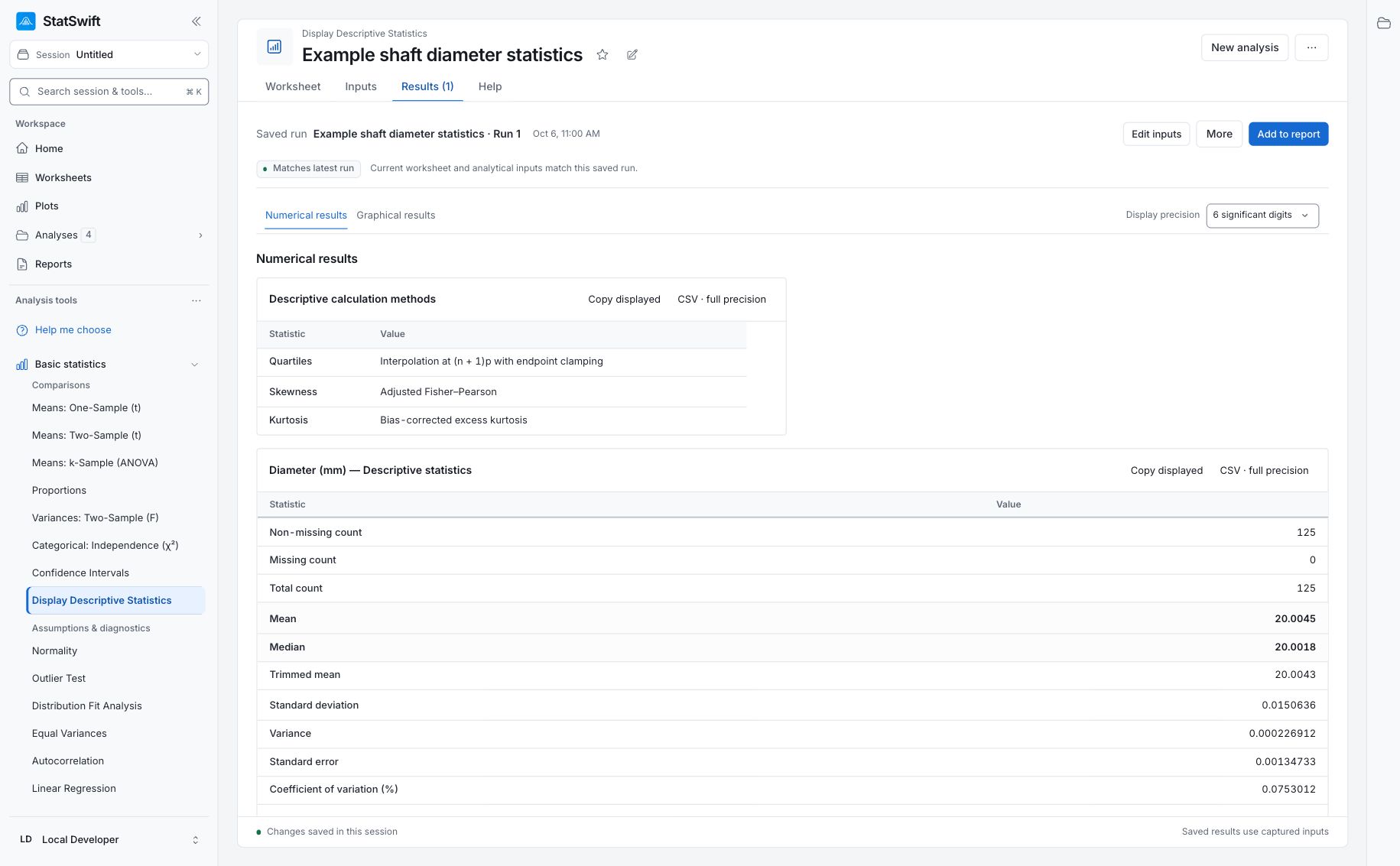
Basic statistics
Summarize data, compare groups, estimate confidence intervals, and examine relationships with statistical tests and regression.
See example and methods: Basic statistics
Available methods and tools
Descriptive statistics; one-sample, two-sample, and paired t-tests; ANOVA; proportions; chi-square; variance tests; confidence intervals; normality; outliers; distribution fitting; autocorrelation; linear regression; power and sample size; distribution calculations and normal distribution plots.
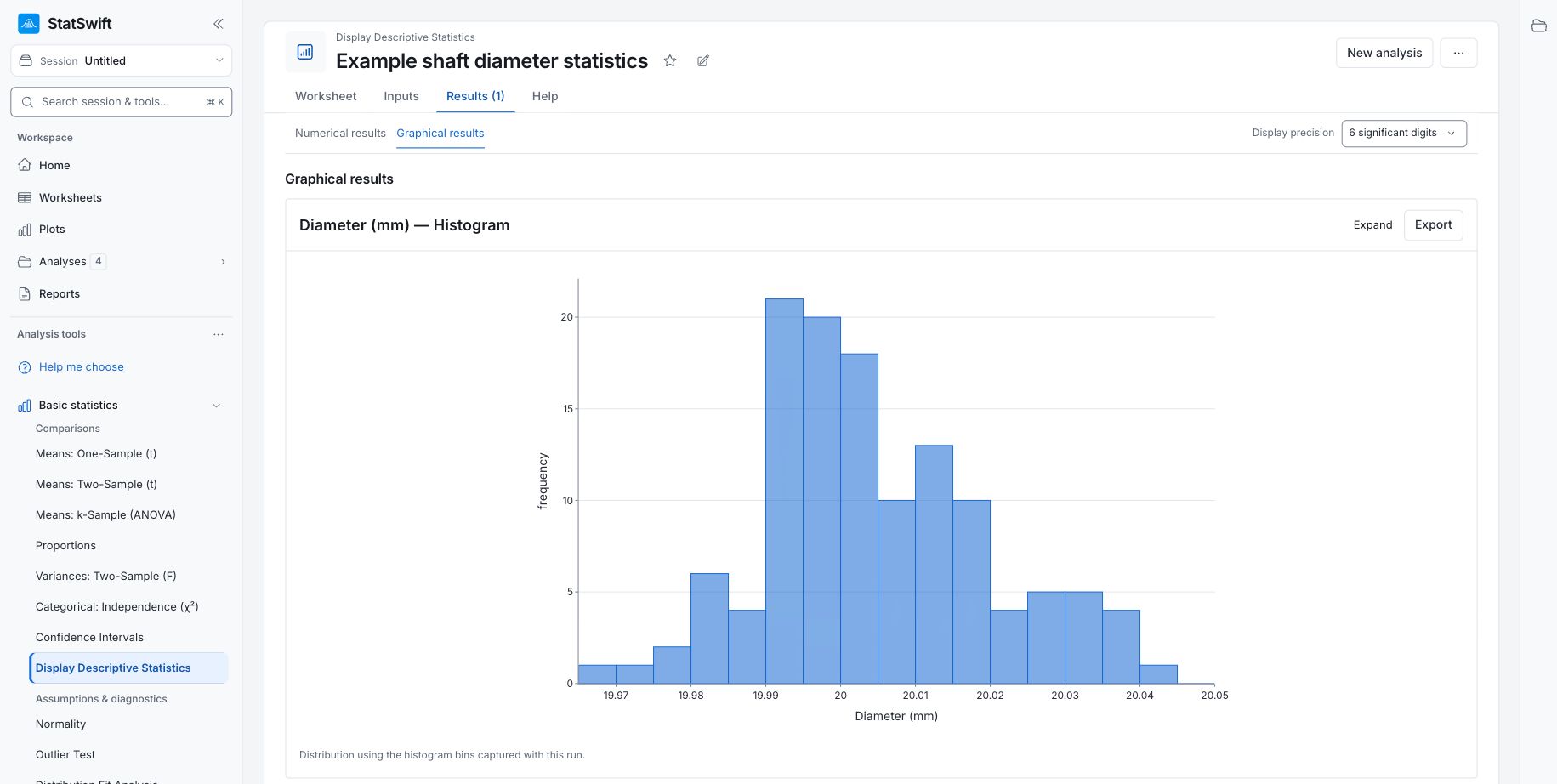
Charts
Explore distributions, differences, and relationships with histograms, box plots, scatter plots, and other charts.
See example and methods: Charts
Available methods and tools
Histograms; box plots; individual-value plots; dotplots; scatter plots; scatterplot matrices; correlation matrices and heatmaps; bar charts; interval plots; line charts; main-effects and interaction plots; time series; Pareto charts.
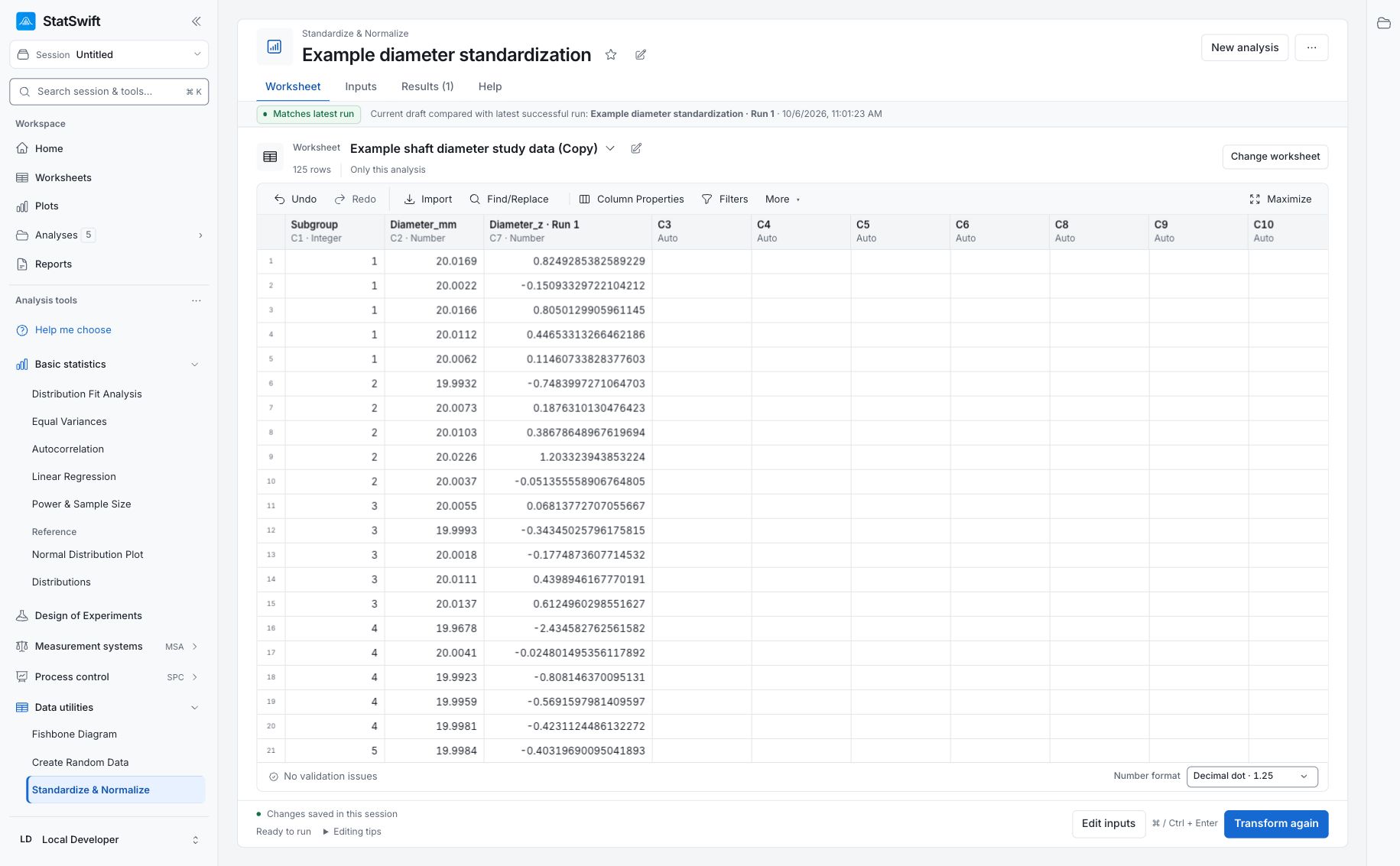
Worksheets and data tools
Import or paste data, edit worksheets, standardize or scale values, and generate sample data.
See example and methods: Worksheets and data tools
Available methods and tools
CSV and TSV imports; spreadsheet paste; column types, filters, and sorting; z-score standardization; centering; scaling to [0,1] or [−1,1]; random data generation; fishbone diagrams.
Design of experiments (DOE)
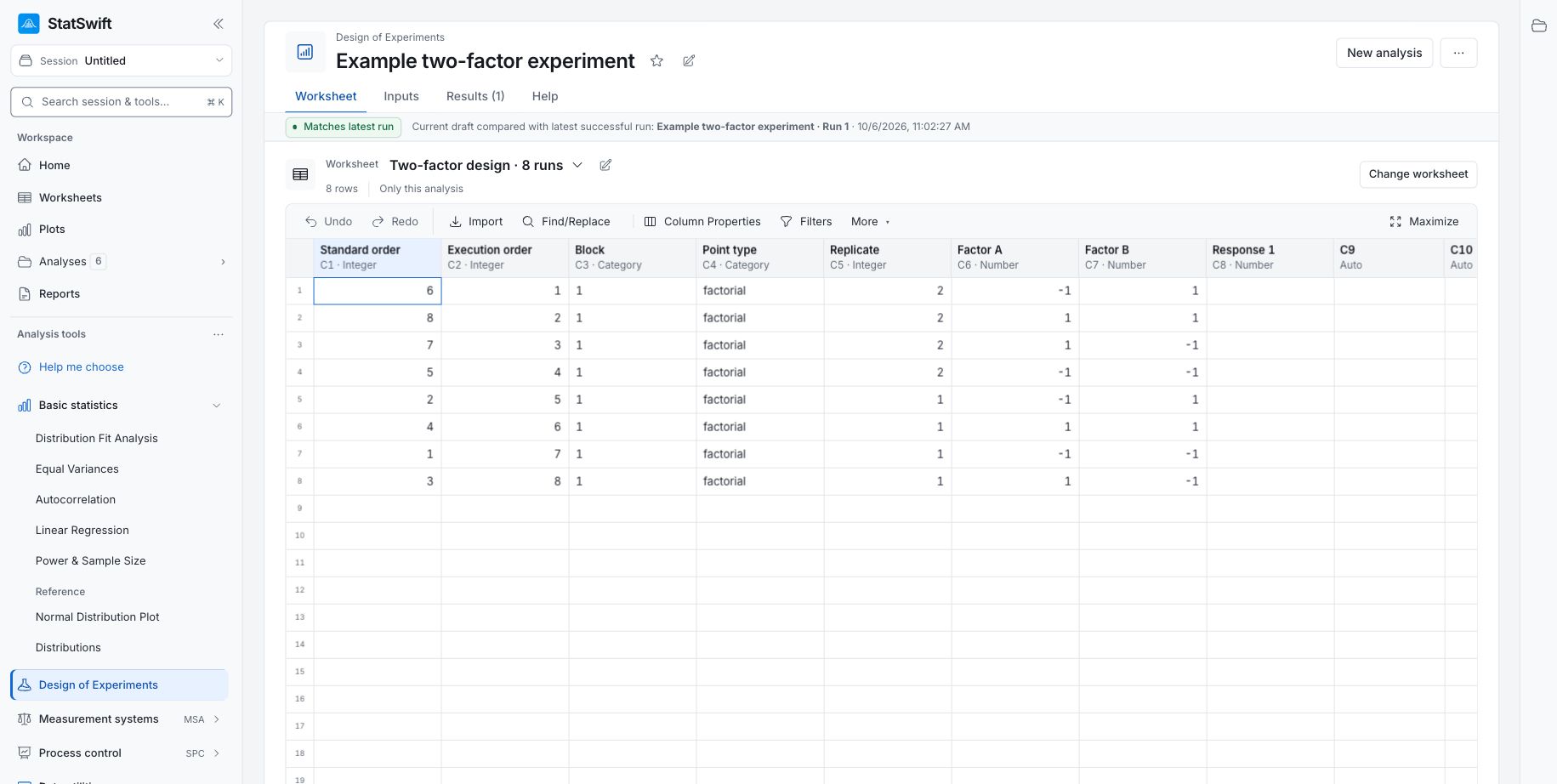
Create factorial and response surface designs, then analyze measurements collected from your experiments.
See example and methods: Design of experiments (DOE)
Available methods and tools
Full factorial and regular fractional factorial designs; central composite and Box–Behnken designs; replication, randomization, and blocks; analysis of recorded experimental results with effect estimates and residual diagnostics.
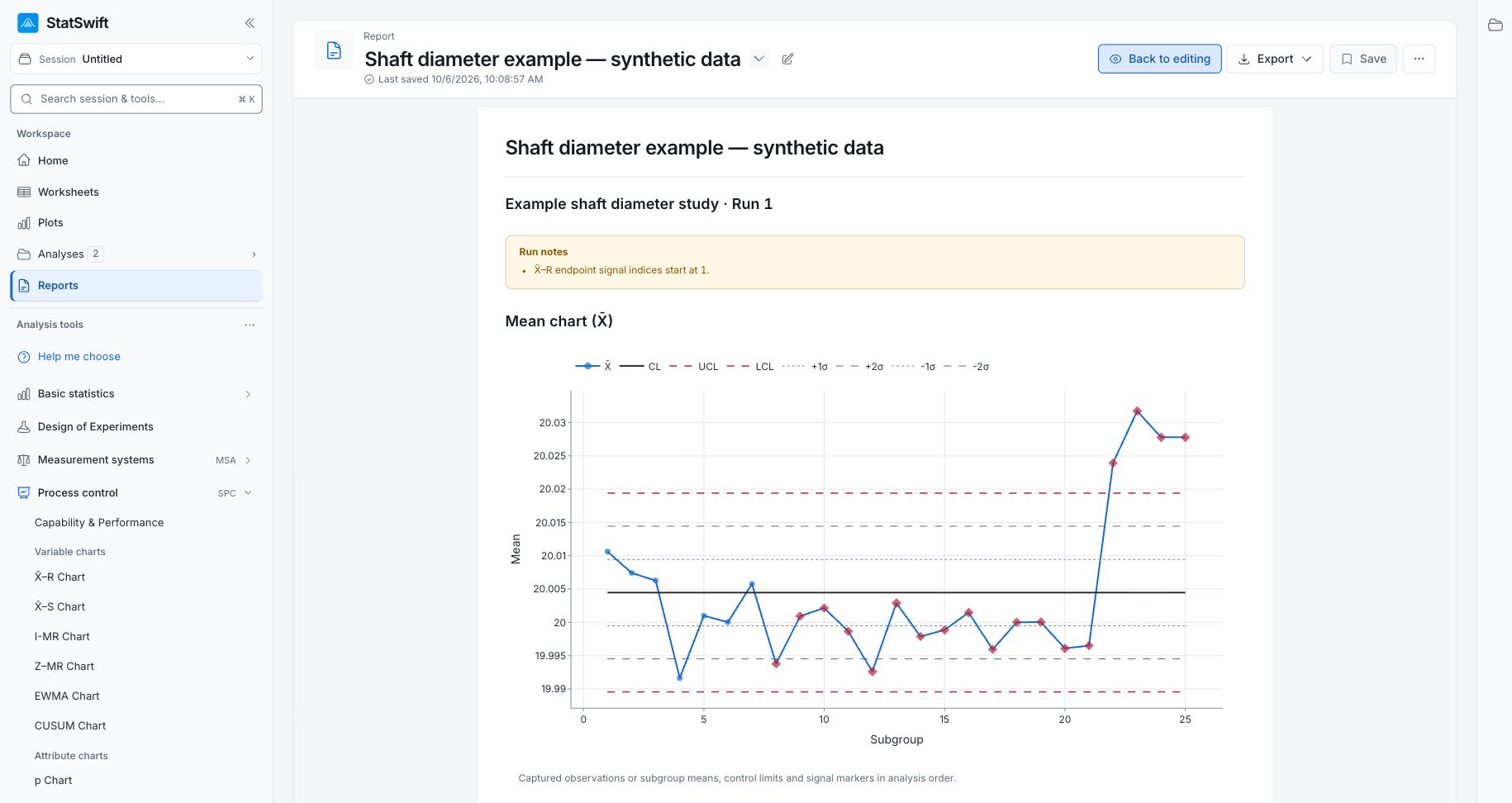
Process control (SPC)
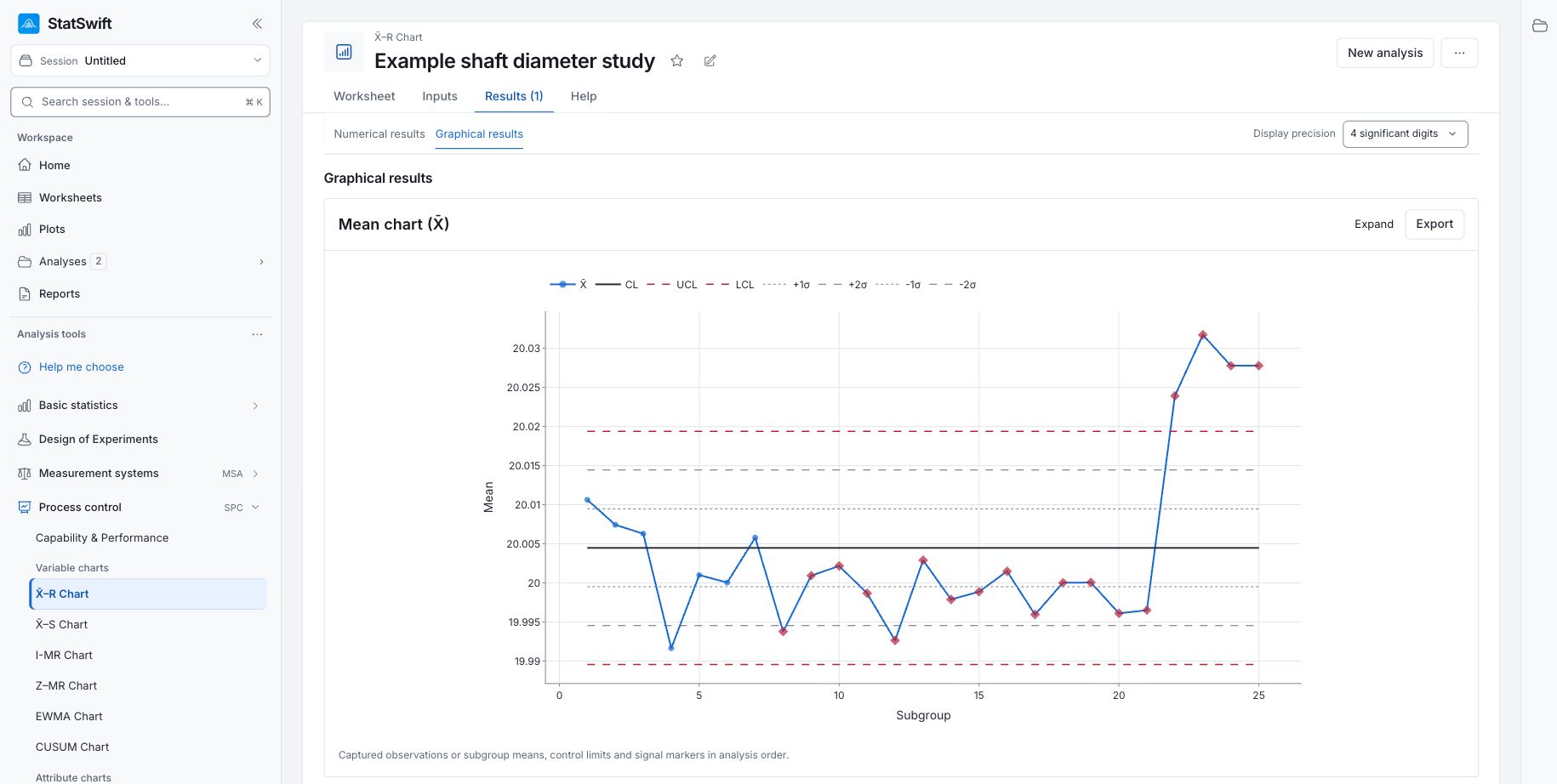
Review process variation with control charts and assess capability against specification limits.
See example and methods: Process control (SPC)
Available methods and tools
X̄–R, X̄–S, I-MR, Z–MR, EWMA, CUSUM, p, np, c, and u charts; capability and performance analysis, including Cp/Cpk and Pp/Ppk. Control limits describe process behavior; they are not specification limits.
Measurement systems (MSA)
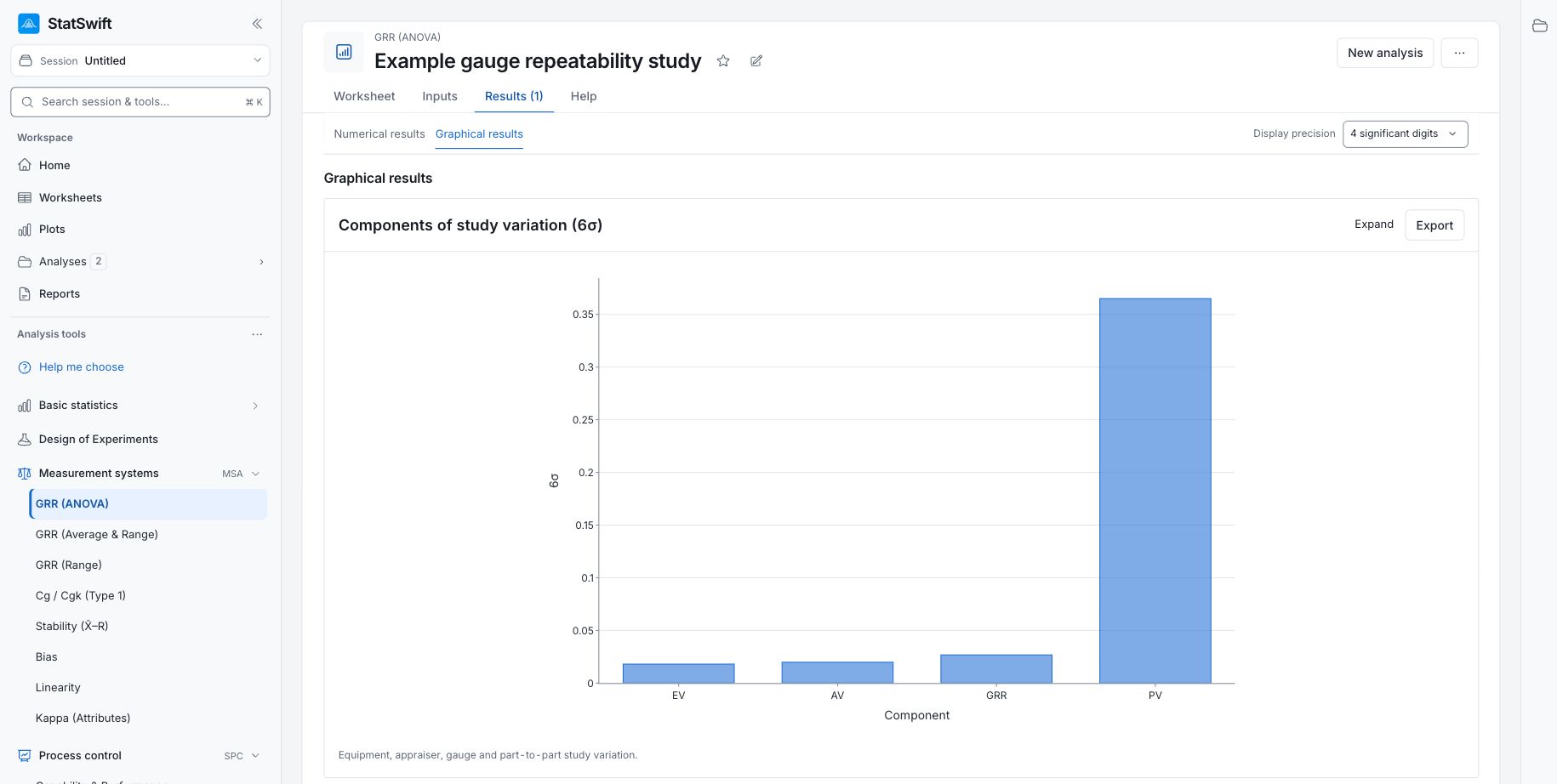
Study repeatability, reproducibility, bias, linearity, stability, and agreement between assessors.
See example and methods: Measurement systems (MSA)
Available methods and tools
Gauge R&R with ANOVA, Average & Range, and Range methods; Cg/Cgk (Type 1); stability; bias; linearity; Kappa for attributes.
Keep analyses and create reports
Return to saved analyses in your session and review the inputs used for a completed run. Select tables and charts, add your context and conclusions, and save a report. Preview it, download HTML, or use the print/save-as-PDF flow.
See a report example